Supported platforms
We are not chasing platform count. Every platform we add has to keep the "never send by mistake" guarantee intact on that platform — if it cannot, we do not ship it.
At a glance
- Target languages
- 15: Korean, English, Thai, Vietnamese, Japanese, Indonesian, Malay, Spanish, French, German, Russian, Romanian, Portuguese, Arabic, Chinese
- Platforms
- WhatsApp Web, KakaoTalk desktop
- Requirements
- Windows 10 / 11 (64-bit). No macOS, no mobile.
- Price
- 20 USDT / 30 days,3 days free on sign-up, no payment required
WhatsApp Web
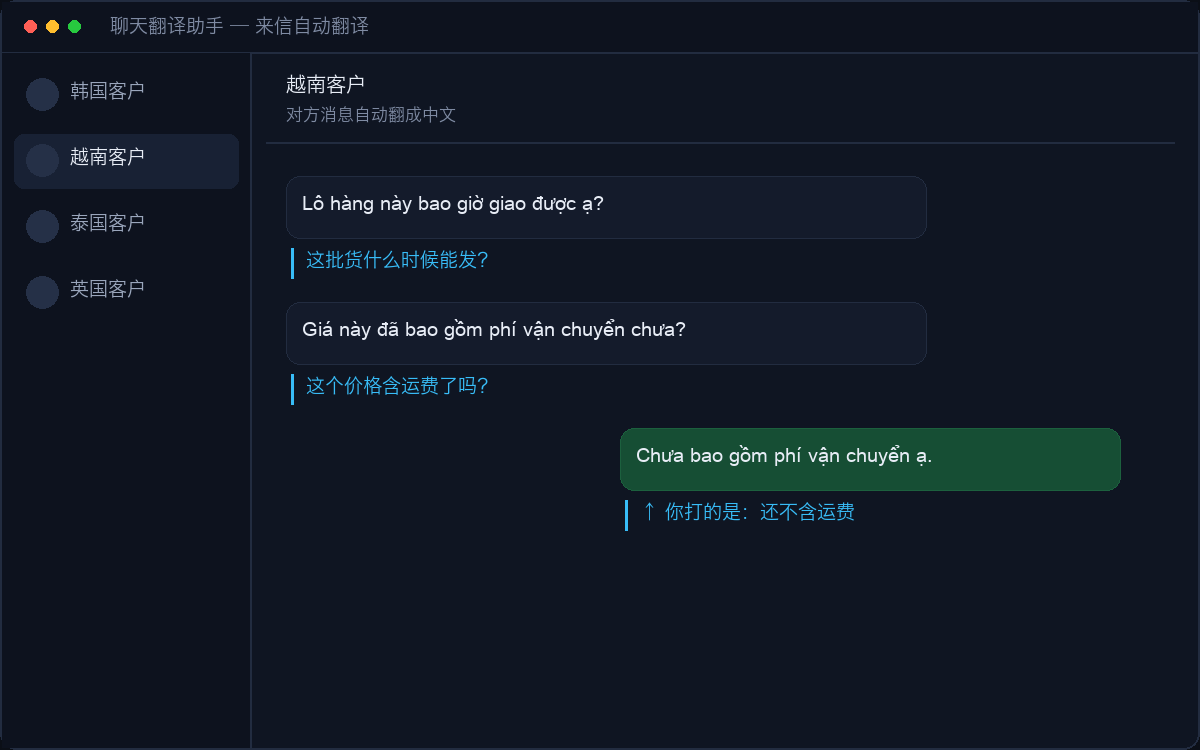
The web client is embedded; you scan the QR code as usual. Several accounts can stay logged in at once, each with its own translation settings. Text is written using the browser’s native input — equivalent to a person typing — with no injection into the platform’s internals.
KakaoTalk desktop
It reads and writes the window through the Windows accessibility layer; the client is not modified and no protocol is touched. You must first set KakaoTalk’s send method to Ctrl+Enter — that is both a prerequisite and the mechanical safeguard against sending Chinese by mistake. Incoming translation needs you to select a message and press Ctrl+C: KakaoTalk paints its chat content onto the window, so no text is readable at system level and full automation is not possible the way it is on WhatsApp.
Other chat sites
The client ships with a template mechanism: element rules for web-based chat tools (Telegram, Zalo, Messenger and others) are pushed from the server, so supporting a new site does not require you to update the app. Which sites are live is shown on the "sites" page inside the software.
Phones already translate messages — why this?
WhatsApp has supported message translation on phones since September 2025, which solves reading. But it only exists in the mobile app — not on web, not on Windows desktop — and more to the point it does nothing for the path that matters: you type Chinese, it becomes fluent foreign text, and it goes out. That is the action repeated dozens or hundreds of times a day in export sales. This tool is built for sending on desktop, and handles reading along the way.
LINE
The web version has been discontinued; a desktop approach is under evaluation and not shipped yet.
Install it, use it for 3 days, pay only if it fits.